
IPTV player guide4.7 / 5.0(9,840 reviews)
IPTV Smarters Pro Setup & Settings for United Kingdom
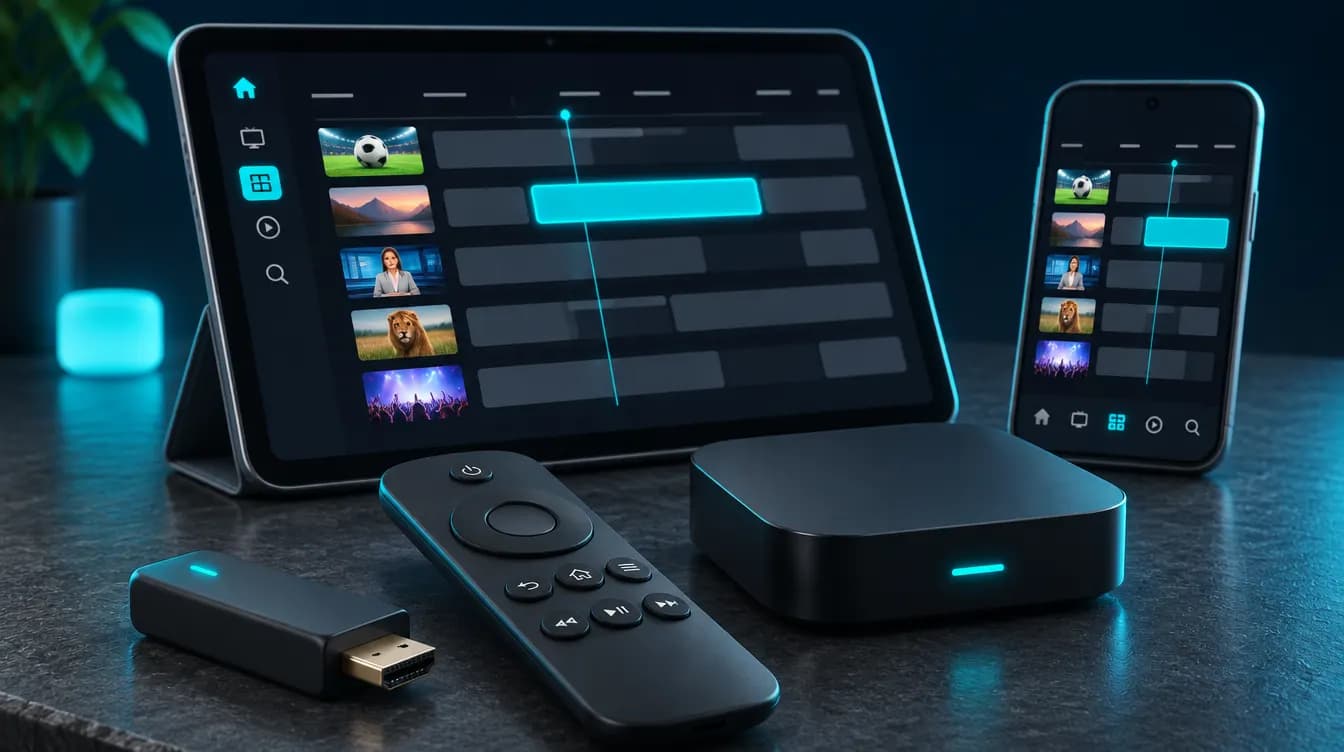
The most versatile cross-platform player: Android, Fire TV, Windows, Mac and Smart TVs with one familiar interface. Works with our 4K/60fps feeds, 7-day catch-up and full EPG.
Recommended buffer
Set the buffer in the IPTV Smarters Pro playback settings to remove micro-stutter at peak hours on BT:
Buffer: 3 seconds (3000 ms)
Login types: Xtream Codes API, M3U
Compatible platforms
- Android
- Fire TV
- Android TV
- Windows
- Mac
- Samsung TV
- LG TV
- Amazon Fire TV Stick guide →
- Amazon Fire TV Cube guide →
- Chromecast with Google TV / Google TV Streamer guide →
- Android TV Box guide →
- Walmart onn. Google TV 4K Box & Stick guide →
- MAG 524 / 544 / 254 guide →
- Xiaomi Mi Box S / Mi TV Stick 4K guide →
- Sony BRAVIA guide →
- TCL Smart TV guide →
- Android Phone & Tablet guide →
- Windows PC & Laptop guide →
- Mac guide →
Why IPTV Smarters Pro works so well with our servers
- One-tap Xtream Codes API login on every platform
- Master search across live channels, movies and series
- Built-in parental controls and subtitle selector
- Separate sections for live TV, VOD, series and catch-up
Step-by-step guides for IPTV Smarters Pro
- Easy (3 min)Install IPTV Smarters Pro on Fire TV StickOpen
- Easy (3 min)IPTV Smarters Pro on an Android TV BoxOpen
- Advanced (5 min)MAG Box Portal Setup (and Smarters as a backup)Open
- Very easy (2 min)IPTV Smarters Pro on Android Phones & TabletsOpen
- Device guideIPTV Smarters Pro on Amazon Fire TV Stick (4K / 4K Max)Open
- Device guideIPTV Smarters Pro on Amazon Fire TV Cube (3rd Gen)Open
- Device guideIPTV Smarters Pro on Chromecast with Google TV / Google TV StreamerOpen
IPTV Smarters Pro questions
Does IPTV Smarters Pro work with Atlas 8K IPTV?
Yes. IPTV Smarters Pro supports Xtream Codes API, M3U playlists, and your welcome message includes the matching login.
What buffer should I set in IPTV Smarters Pro?
3 seconds (3000 ms) is the sweet spot on BT and Virgin Media: enough to absorb Wi-Fi dips without adding noticeable delay to live sport.
Is IPTV Smarters Pro free?
The app is made by an independent developer. Most versions are free or carry a small one-time fee; your Atlas 8K subscription is separate and works in any of the players we list.

Try IPTV Smarters Pro with a free 24-hour login
We send the matching Xtream Codes details to your phone or inbox in 60 seconds. No card required.